 0o酱
0o酱Scoop——在 Windows 使用包管理管理软件
Scoop——在 Windows 使用包管理管理软件
Windows 系统下,软件的安装、卸载、更新一直是个麻烦事。
假设你在国内环境想安装一个软件,你可能需要:
-
在广告、下载站泛滥的搜索引擎中找到软件官网
-
在官网中找到下载链接,下载软件
-
安装软件
对于软件的版本管理也是个问题,在 Windows 下,软件的版本管理一般是通过软件自带的更新功能,或者手动下载安装包进行覆盖安装。
这些问题在 Linux 下都不是问题,Linux 下的软件管理一般都是通过包管理器进行管理,包管理器可以帮助我们完成软件的安装、卸载、更新等操作,而且还可以帮助我们管理软件的版本,可以保持软件在最新版本。
那么在 Windows 下,有没有类似的包管理器呢?
答案是肯定的,Scoop 就是一个类似的包管理器,它可以帮助我们在 Windows 下管理软件。
什么是 Scoop?
Scoop 是一款 Windows 平台的在控制台(command line)上使用的程序安装工具及包管理工具,类似 Linux 上的 apt,以及 macOS 上面的 homebrew。其实在 Windows 平台也有类似的工具,比如 Chocolatey,以及微软自己开发的 WinGet。但是前者需要权限,且有冗余的广告信息;后者则仍处于测试阶段,支持的软件较少。
熟练使用 Scoop 可以帮助我们在拿到一台新电脑时,快速安装我们需要的软件,快速配置我们的开发环境。
安装 Scoop
安装 scoop 只需要在 PowerShell(不需要管理员权限)中输入以下指令
Set-ExecutionPolicy RemoteSigned -Scope CurrentUser # 仅在第一次安装时需要
irm get.scoop.sh | iex
自定义安装路径
如果你需要更改默认的安装目录,则需要在执行以上命令前添加环境变量的定义,通过执行以下命令完成:
$env:SCOOP='D:\Scoop' # 设置 scoop 安装目录
[Environment]::SetEnvironmentVariable('SCOOP', $env:SCOOP, 'User') # 设置环境变量
Scoop 的常用命令
搜索软件
scoop search [软件名]安装软件
scoop install [软件名]卸载软件
scoop uninstall [软件名]输入 scoop help 可以查看更多 scoop 的命令。
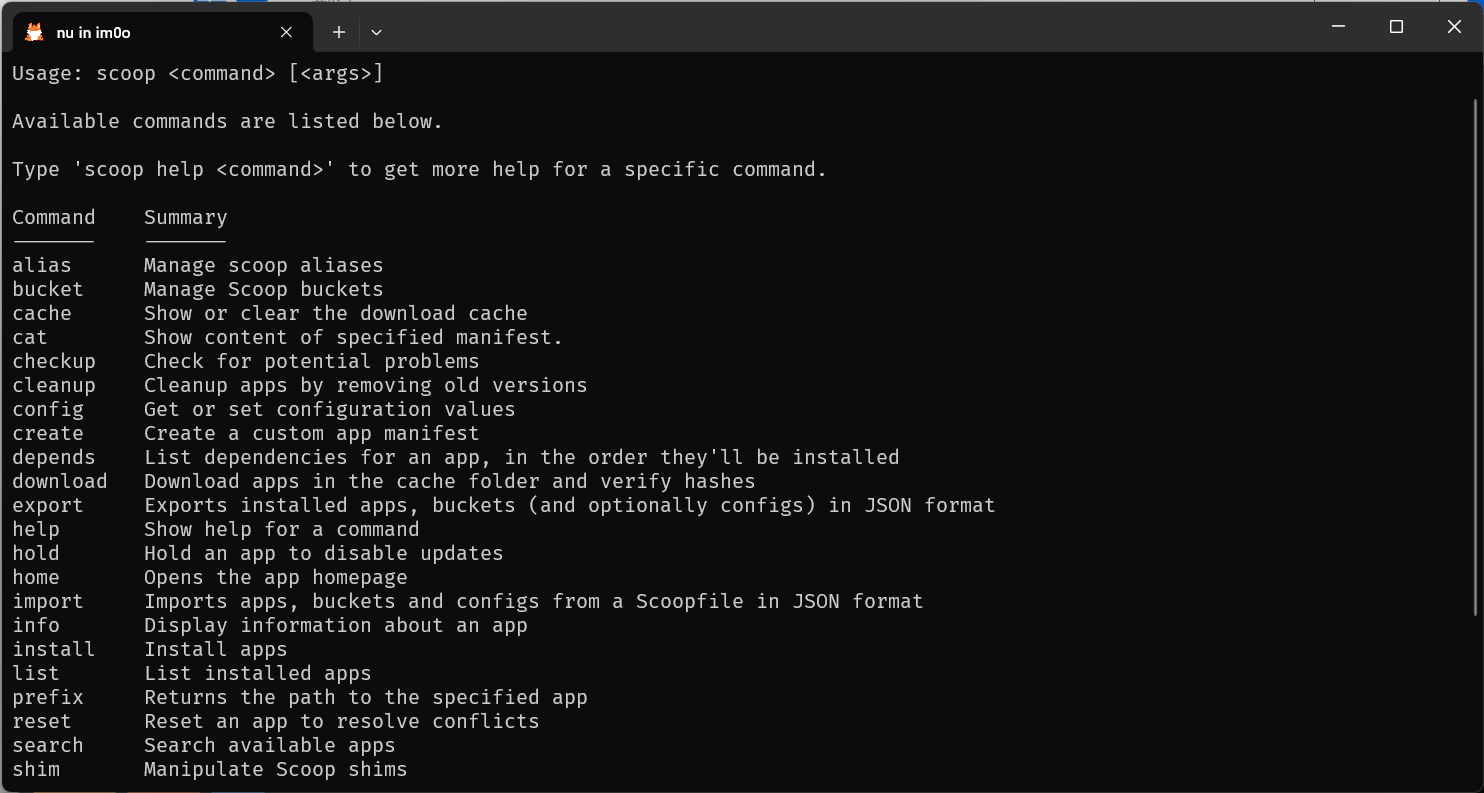
查看 scoop help 输出
Usage: scoop <command> [<args>]

Available commands are listed below.

Type 'scoop help <command>' to get more help for a specific command.

Command    Summary
-------    -------
alias      Manage scoop aliases
bucket     Manage Scoop buckets
cache      Show or clear the download cache
cat        Show content of specified manifest.
checkup    Check for potential problems
cleanup    Cleanup apps by removing old versions
config     Get or set configuration values
create     Create a custom app manifest
depends    List dependencies for an app, in the order they'll be installed
download   Download apps in the cache folder and verify hashes
export     Exports installed apps, buckets (and optionally configs) in JSON format
help       Show help for a command
hold       Hold an app to disable updates
home       Opens the app homepage
import     Imports apps, buckets and configs from a Scoopfile in JSON format
info       Display information about an app
install    Install apps
list       List installed apps
prefix     Returns the path to the specified app
reset      Reset an app to resolve conflicts
search     Search available apps
shim       Manipulate Scoop shims
status     Show status and check for new app versions
unhold     Unhold an app to enable updates
uninstall  Uninstall an app
update     Update apps, or Scoop itself
virustotal Look for app's hash or url on virustotal.com
which      Locate a shim/executable (similar to 'which' on Linux)
Scoop 的软件仓库
Scoop 的软件仓库称为 bucket,Scoop 官方提供了数个 bucket,其中包含了大量的软件,可以通过以下命令查看已知的 bucket:
scoop bucket known添加 bucket
如果你需要安装的软件不在 main bucket 中,你可以通过以下命令添加 bucket:
scoop bucket add [bucket 名]如果没有安装 git,添加 bucket 时会报错,可以通过以下命令安装 git:
scoop install git参考文章
Scoop——也许是Windows平台最好用的软件(包)管理器 - 爱丽丝的人偶一号(知乎)
Scoop 安装、配置国内镜像、备份与迁移 - FJianC
评论
评论加载中…